The evidence graph
Graph V1 connects existing evidence and case records through typed relationships, versions, checks and events. It helps inspect which source supports a claim and whether a package still matches the information reviewed.
JobBlynt Our flagship product
Turn what you’ve done into an application you can explain. Check your resume, connect the evidence, find fitting roles and prepare for the conversation.
Start with a free resume check. You decide what happens next.

Three products.
Practical AI, where it matters.
A career workspace, built around you
Your skills, projects and achievements are the foundation. JobBlynt helps you make them clearer, connect them to a role and carry the same facts through every step.
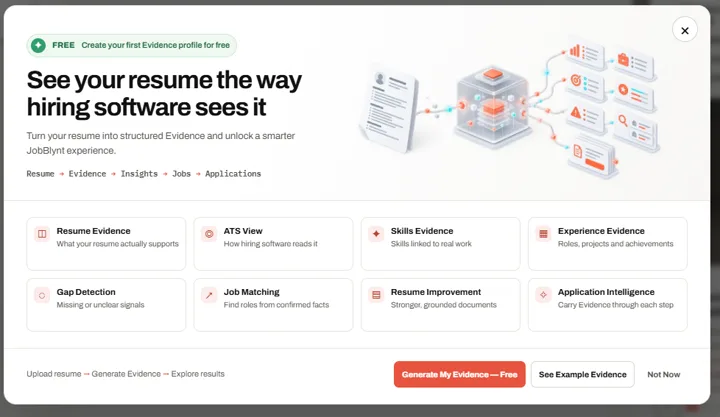
Start with a resume check. Build an evidence profile from your experience, then confirm the facts and answer the questions only you can answer.
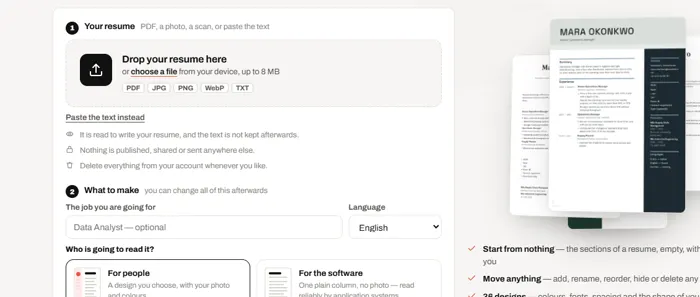
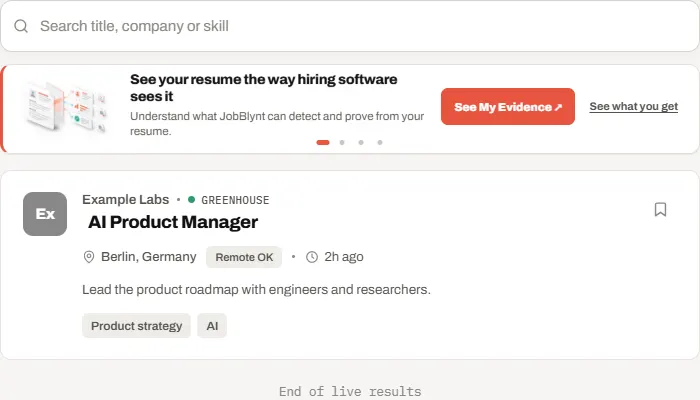
From first check to interview preparation
Each stage gives the next one context. Your evidence becomes the common thread between your documents, the opportunity and your preparation.
Upload your resume and review its readability, skills and missing information.
Turn experience into evidence. Add context, correct the facts and close open questions.
Explore matching jobs and compare a role’s requirements with what you can support.
Create tailored documents and an opportunity case. Review the package before you act.
Prepare interview stories and work through the questions your experience needs to answer.
Features and allowances depend on your chosen plan. See current details at JobBlynt.
Inside the build
We’re building JobBlynt around traceable evidence, scoped opportunity cases and explicit approval. The goal is simple: make the work easier to follow and easier to correct.
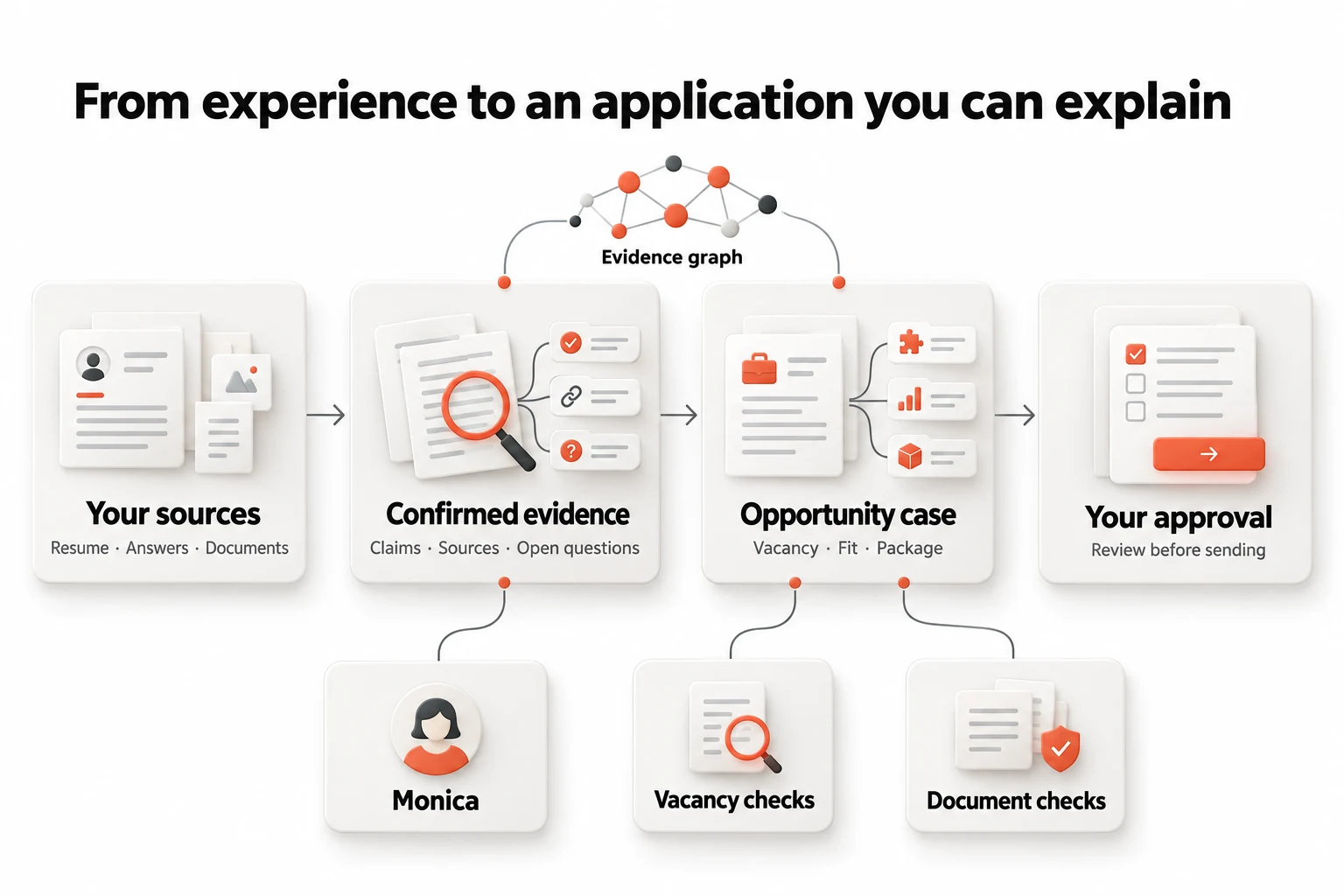
Graph V1 connects existing evidence and case records through typed relationships, versions, checks and events. It helps inspect which source supports a claim and whether a package still matches the information reviewed.
A saved job and tailored resume form a focused case. Vacancy observations, fit reviews and package versions stay tied to that opportunity, so the next step has context.
Source support, workflow readiness and permission are different questions. A successful AI response does not itself grant permission to send an application.
Graph V1 is a relational projection over JobBlynt’s existing evidence and opportunity records. Its inspector is restricted to administrators, and checks are enabled through controlled settings. The diagram explains the product’s information flow; it does not represent an autonomous hiring system or a graph dashboard available to every user. Earlier research diagrams explored additional agent roles. Here we describe the implemented workflows without presenting those proposals as shipped features.
AI assistance with a defined job
Different tasks need different kinds of help. JobBlynt brings them together around your evidence.

Monica is an AI assistant.
A voice conversation helps you explain the details only you know. Saved answers can inform your evidence and the next review.
The opportunity workflow inspects employer pages and records what it could observe. If a vacancy cannot be confirmed, that uncertainty stays visible.
AI-assisted fit reviews highlight requirements and open points. Read the cited evidence, correct it and decide whether to proceed.
Review generated documents and their readability checks. If a rewrite reads worse, the package workflow can retain the better version.
What changes for you
The improvement is in the workflow: reuse confirmed facts, see what still needs attention and keep the right material together for each opportunity.
Measure your own change
JobBlynt shows the result for your materials, so you can judge the difference yourself.
Results vary by resume and role. These checks are guidance, not hiring probabilities, measured time savings or promises of interviews.
See the product, step by step
Watch the short introduction, then follow the complete package and opportunity workflows. Press play when you’re ready; captions are included.
A quick introduction to resume checks, confirmed evidence, tailored documents and job matching.
Try the free checkExplore your recruiter resume, ATS resume, document checks, previews and the details Monica helps you clarify.
Your package brings generated documents together. Open a preview, inspect readability checks and choose what to improve. Review missing evidence with Monica where included in your plan. Download the documents you choose and prepare them for a specific role.
Follow a case through the vacancy check, fit review, package preparation, approved sending and interview preparation.
A case saves a job and tailored resume together. Check the employer’s vacancy, review the fit and resolve open points. Prepare a package for that opportunity. Review the recipient, message and attachments before approving an email. Continue with replies, follow-up suggestions and interview preparation.
The Qendryx product family
JobBlynt is our flagship. Lizard and SonicMind Connect bring that focus to local computing and conversation-led work.

Private AI for Windows
Choose models that fit your hardware. Run local chat and connect applications through a local API, with inspectable benchmark evidence.
Explore Lizard
Conversations into business output
Bring audio and files into a connected workspace. Turn conversations into transcripts, structured reports, decisions and next steps.
Explore SonicMindJobBlynt is Qendryx’s flagship career workspace. It combines resume checks, confirmed evidence, job matching, tailored application documents, opportunity cases and interview preparation.
The opportunity workflow requires you to review and approve the email account, recipient, message and attachments before sending. Opening an employer’s application form does not mean JobBlynt fills it in or submits it for you.
Graph V1 links existing evidence and opportunity records so sources, versions and checks can be inspected. Its inspector is an administrative tool, and graph checks have controlled availability. It does not replace your review or turn AI-generated claims into verified facts.
Yes. Start with the free resume check at jobblynt.com. Paid features and current allowances are explained there before purchase.
No. JobBlynt helps you improve clarity, prepare documents and assess opportunities. Resume and fit scores are guidance, not hiring probabilities. Employers make their own decisions.
Choose JobBlynt for your career and applications, Lizard for local AI on a Windows PC, and SonicMind Connect for turning conversations into reports and action. JobBlynt and SonicMind are connected services; Lizard performs local inference after activation and model setup. They are separate products.
Bring your experience. Build a clearer application.
Get started with JobBlynt